5 Tips for Recording Quality Video
Here are our 5 tips to prove that it's possible to shoot quality video
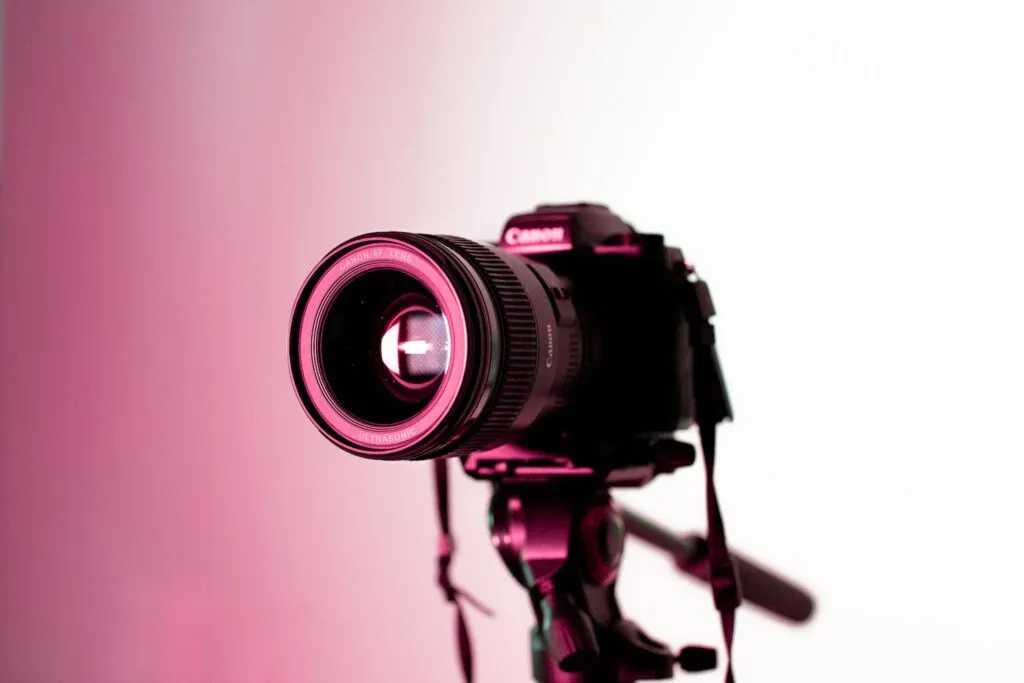
Recording a video isn’t easy: not everyone feels comfortable in front of a camera, and not everyone has the skills or technical know-how to get started.
Here are our 5 tips to prove that it’s possible to shoot a quality video, whether you’re announcing important news, hosting an upcoming webinar, or even running a live event. You’ll see that you can put together a homemade filming studio with just a few things you already have on hand!
1. Have a Good Camera…
The basic tool for recording a quality video is, obviously, having a good camera! That doesn’t mean you need to gear up like you’re about to shoot the 6 o’clock news. Your smartphone’s camera (the rear one is better quality than the selfie one) or your computer’s camera will often do the job. As always, run a test ahead of time to make sure the picture quality holds up.
One small but important tip: don’t forget to wipe your camera lens with a cloth. That way you’ll avoid having a stray cat hair stuck on it that ends up being all anyone can see (yes, we’ve seen it happen, and it was truly distracting!).

2. …and a Good Microphone!
Good sound is just as important as good image quality. As a general rule, the microphone built into your computer or smartphone is good quality. So you don’t need to buy an expensive microphone.
That said, the range of these built-in mics can sometimes leave something to be desired. Make sure to record in a quiet spot to avoid background noise (wind, traffic, voices) and stay close enough to your mic to avoid an echo effect. One solution for noise and echo is to use headphones or earbuds with a built-in microphone. That way, the mic stays closer to the sound source — your mouth!
We can’t say it enough: run tests to make sure the sound is good and that people can hear you clearly!
3. Think About Lighting
Good lighting is really important, and it’s super simple to get right!
If you’re planning to pre-record your video, choose a time of day when natural light is at its strongest, without a beam of sunlight cutting across your face.
Then position yourself facing a window to make the most of it — your face will be nicely lit and highlighted ☀️
On the other hand, if you have to join a conference late in the day with little natural light left, start by turning on every light in the room to avoid being cast in shadow. If the result still isn’t quite right, try repositioning a few lamps or using a ring light if you have one.
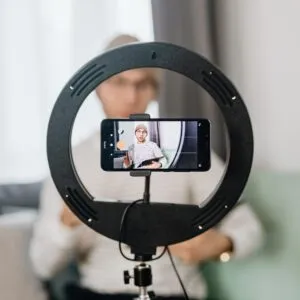
It’s a fairly inexpensive tool that can really come in handy for your recordings or livestreams, since it provides very good quality lighting. You can find them at office supply or electronics stores, or online, at genuinely reasonable prices.
By the way, Creative Bloq wrote an article (in English) on the best ring lights.
4. Think About Your Framing
It’s easy to forget, but it’s essential: make sure your camera is at the right height so your viewer feels like you’re looking them straight in the eye. If you’re using a laptop, don’t hesitate to prop it up — you can use a stack of big books or even an ironing board (yes, that’s really happened, and it worked!).
If you’d rather film with a smartphone, go for a phone mount with a tripod or a clip stand. You could also use the built-in phone holder on your ring light, if you have one.
Another important thing not to overlook: your background.
Avoid at all costs those virtual backgrounds that place you in Hawaii: set up in front of a white or neutral wall instead. We can already see where you’re going with this, and no, the white walls of your bathroom don’t count! Would you believe us if we told you that’s happened too?

Also remember to remove any frames or photos you’d rather not have appear in your video. There are probably a few things you’d like to keep private.
5. Choose the Right Outfit
We don’t think about it often, but what you wear really matters. We’re not talking about your personal brand here, but about the visual effects certain clothes can create on camera. Avoid wearing white, patterned, or striped clothing. It creates a blurring or optical-illusion effect, and it’s really not pleasant to look at.
If you want to see the effect of striped clothing in a video, Easy Movie ran a little test 👉 https://www.easy.movie/fr/blog/shabiller-pour-video
So make sure the shirt you’ve chosen doesn’t cause any weird effects by doing… a little test, yes! You’re starting to see that I’m the resident Test Queen here at Sparkling! 😁
You Now Have Every Key You Need to Record a Beautiful (and Good!) Video From Home!
– If the task still feels daunting, we’ve got a great filming studio and an amazing team just waiting for you! 🔥
READ ALSO: Le balado comme outil de communication: 4 bonnes pratiques 13 outils à adopter pour augmenter ta productivité lors d’événements virtuels (P. 3) Les 5 cauchemars de l’organisateur.trice d’événements virtuels